
Name-Based Case Searches
No case number handy? Start with Kansas CaseSearch, the statewide public portal. Search by party or business name. Set Filter by Location to Rooks County first. That one step keeps matches from the other 104 counties out of your results. Narrowing by case type, filing window, and status cuts false matches even more.
Spelling drives everything here. The official guide offers nickname and Sounds Like options. But wider matching can pull in cases that belong to someone else entirely. Check every hit against its case number, location, type, and filing date before trusting it. A shared name alone proves nothing about identity.
- Choose party name or business name as the search type.
- Enter the known caption term without adding private data.
- Select Rooks County and the likely case category.
- Add a filing-date range if the result set remains broad.
- Open only the matching public case and verify its identifying court fields.
Rooks CaseSearch Filters Explained
The portal's search-type menu covers case number, citation number, party name, business name, judicial officer, attorney name, bar number, and cross-reference number, among other live options. Whatever type you pick, Search Term is required. Leave Include Cases checked when you want public case information. For finer control, Advanced Filtering Options opens more fields. They cover case type, status, filing dates, and judicial officer.
| Field | Best Rooks use | Caution |
|---|---|---|
| Location | Select Rooks County | All locations produces statewide matches |
| Case type | Choose criminal, civil, traffic, probate, or the closest category | Restricted types may not appear remotely |
| Status | Narrow active or closed results | Status alone is not a judgment |
| File dates | Set a known time window | Older records may predate remote documents |
| Judge | Use a known assignment | Assignments and dropdown choices can change |
The official workflow also includes tips, reCAPTCHA, and Submit controls, and registration is not required.
Case Number Searches
For a Rooks County docket search, nothing beats a full case number. Rooks joined the Kansas eCourt rollout beginning July 11, 2022. New identifiers stitch together the county code, year, case type, and a six-digit sequence. A criminal example looks like RO-2026-CR-000003. Civil codes often run CV for regular civil and LM for limited actions. Traffic may carry TR, subject to the live record.
Enter the number exactly as issued. The RO prefix, hyphens, type code, and leading zeroes all matter. Older filings may follow a prior year-type-number format with no county prefix at all. Guessing a conversion is a bad move. Instead, hand the number and rough filing year to the Rooks clerk. The clerk can check the terminal, paper file, or another index.
Precision first: A valid Rooks case number is more reliable than a broad name and date-of-birth search.
Rooks Search Results Use Three Layers
A Rooks County search result comes in three layers, and each answers a different question. Case information covers the number, type, status, judicial officer, party roles, and settings. The events index lays out dated activity in order. A public document link may open a permitted pleading or order. Not every public record can be reached remotely.
| Layer | What it provides | What it does not prove |
|---|---|---|
| Case information | Identity and current summary fields | The complete procedural history |
| Events index | Chronological filing and hearing labels | The full text or effect of an order |
| Document | A filed record where public | Certification unless issued by the clerk |
The Kansas district court records explanation illustrates these access layers:
A portal card is a summary, never the filed judgment or certified record.
Case Search Results Explained
A typical result lists the case number, filing date, type, status, party-role labels, attorney roles, judicial officer, event dates, and future settings. Read each field in context. An appearance date is not an outcome. A complaint is only an initiating filing, not proof of its allegations. Check any disposition label against the journal entry or judgment before relying on it.
| Caption or style | The case title, which must be matched with court and number. |
|---|---|
| Case type | The category used to route and filter the record. |
| Status | The portal's current label, not always a final merits ruling. |
| Event | A dated filing, setting, order, or other indexed action. |
| Hearing | A scheduled proceeding that may later be reset. |
| Document link | A permitted electronic file, where remote access is allowed. |
Before counting on a hearing, compare it with the newest 23rd District daily docket and call the clerk when timing matters. Daily lists go up near the hearing date and can change.
Rooks Searches Can Return Nothing
A blank result can mean several things. The case might sit in a city municipal court rather than district court. Your county, type, date, spelling, or number could be off. Some older documents predate the county's eCourt operation. A public record may be courthouse-only. Sealed or restricted records stay closed through both portal and terminal.
First, check the ticket or notice for the court name. Retest the number with the Rooks location set. Drop any overly narrow status or date filter. Then try the courthouse terminal. Or contact the Clerk of the District Court at 785-425-6718 or Rooks_County_Clerk@kscourts.gov. City citations go to the city clerk named on the ticket.
Note: A missing remote result is an access clue. It is not proof that no case or filing exists.
Two Ways to Search: County and State
Rooks County runs no separate public district-court database. Kansas CaseSearch serves as the statewide remote layer. The 23rd Judicial District record-search page routes users to it. The local layer is the clerk's counter, public terminal, daily docket, phone, and written-record request. These channels overlap, but none replaces the others. The District 23 record-search route provides the local starting point. It connects the county court to the official state search rather than any unofficial vendor.
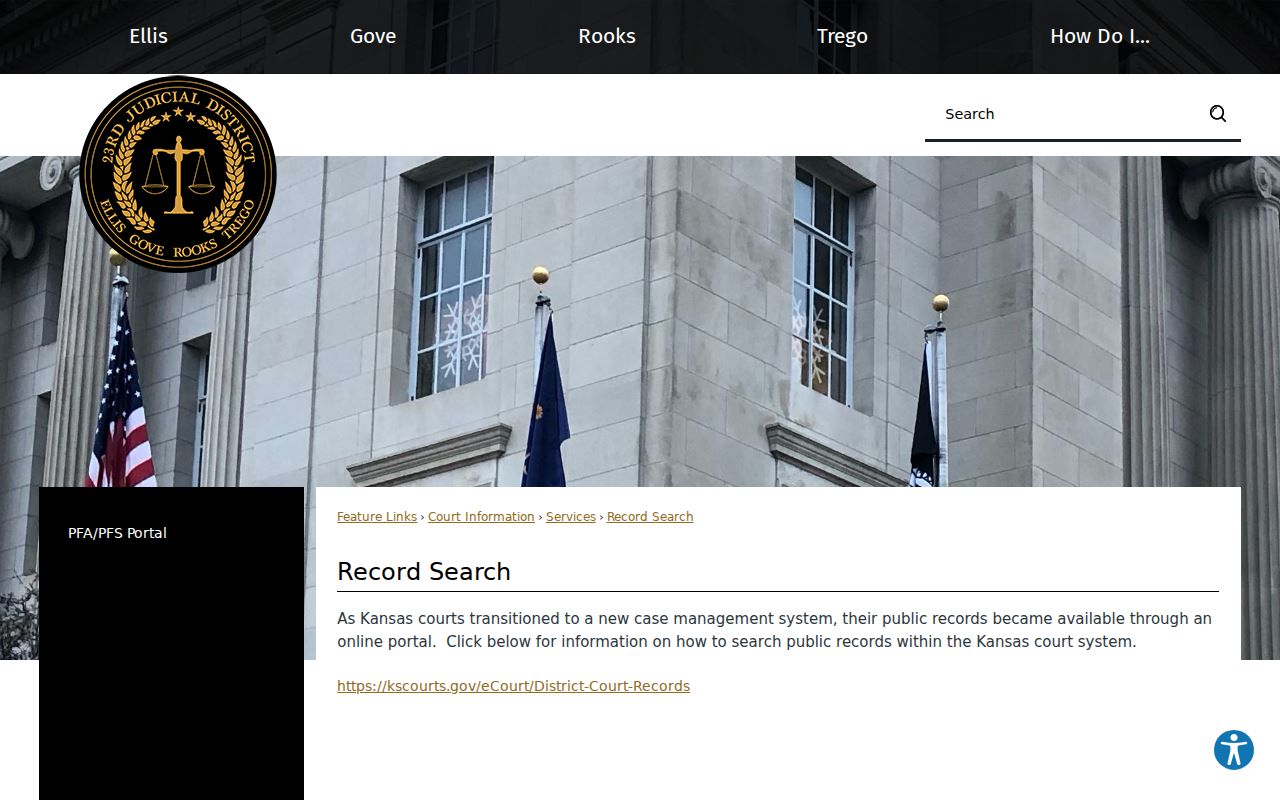
That page points you to the official state search instead of an unofficial vendor.
| Route | Best for |
|---|---|
| Kansas CaseSearch | Remote public case information and available documents |
| Daily docket | Near-term Rooks hearing settings |
| Courthouse terminal | Public information not offered remotely |
| Clerk request | Specific documents, copies, and certification |
Rooks Municipal Cases Use City Clerks
City ordinance violations, including municipal traffic tickets, belong to the municipal courts. The city clerks in Plainville, Stockton, Palco, Damar, and Woodston keep those dockets. None of the five posts a public municipal docket form online. So match your starting point to the citation itself. Do not run a blind statewide search. The clerk can pull the citation number, appearance date, payment route, and appeal papers. All of that is available on request.
A municipal judgment can be appealed into Rooks County District Court under Kansas law. The district case is the later record. The city docket stays the originating one. CaseSearch only helps if the matter was separately filed or appealed into district court.
Which Cases Stay Restricted
Kansas Supreme Court Rule 22 governs what a portal or courthouse terminal can show. Adoption sits outside public view. So do many juvenile and child-in-need-of-care matters, expunged cases, grand-jury records, certain care and treatment cases, and protected-order materials. Some dissolution, custody, support, and parentage documents face remote limits too. A terminal never opens sealed material.
Access boundary: A public events index may be courthouse-only, but a nonpublic record remains closed at both access levels.
When you need one specific public document, go to the clerk counter or file a focused Kansas Open Records Act request. Give the case number, the document name, its date, your delivery preference, and whether you need certification. Phone, email, fax, mail, pickup, and in-person inspection all work as routes to confirm.
Rooks CaseSearch Is Not eFlex
Kansas Courts eFiling through Tybera eFlex serves authorized filers with accounts, submissions, and worklists. It is not a public docket lookup. For a case event, status, or hearing, use CaseSearch or the public terminal. eFlex is for lawyers and authorized parties submitting documents.
This distinction matters when a search stalls. Logging into a filing tool unlocks nothing. It does not bypass Rule 22. The proper fallback chain runs from CaseSearch to the Rooks courthouse terminal. Then it moves to the clerk counter, a phone or email inquiry, and finally a precise written request when a document is needed. The clerk can quote current fees. The clerk can also say whether a plain or certified copy is available.